


- Tham gia
- 17/09/2016
- Bài viết
- 1,754
Giá trên spigotMC: 20 USD
Chức năng: Tạo minigames PvP trong 1 thành phố, như cao bồi hoang dã
Version: 1.9
Xem thêm: https://www.spigotmc.org/resources/mine-fortress.13240/
Download: http://www.mediafire.com/?5l1lq0rysrsdyhr
Chức năng: Tạo minigames PvP trong 1 thành phố, như cao bồi hoang dã
Version: 1.9

In Mine Fortress, players are divided into two teams: RED and BLU. Players fight each other with one of the following classes:
Offensive classes



Defensive classes



Support classes



... and of course, the team with more points wins the game. Below are some in-game screenshots if you are not convinced, yet:
Screenshots in third-person
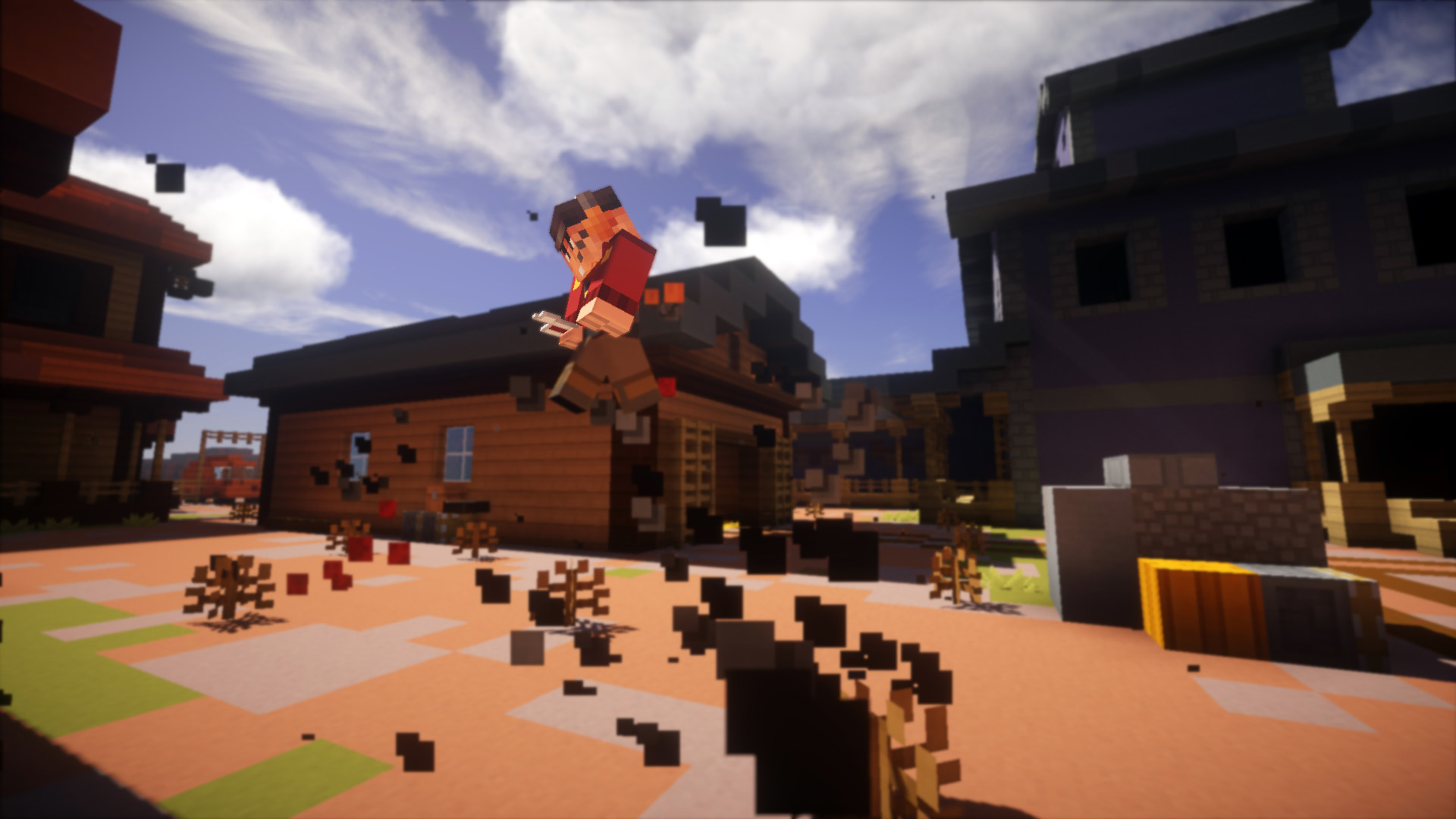
A Scout performing his double jump.
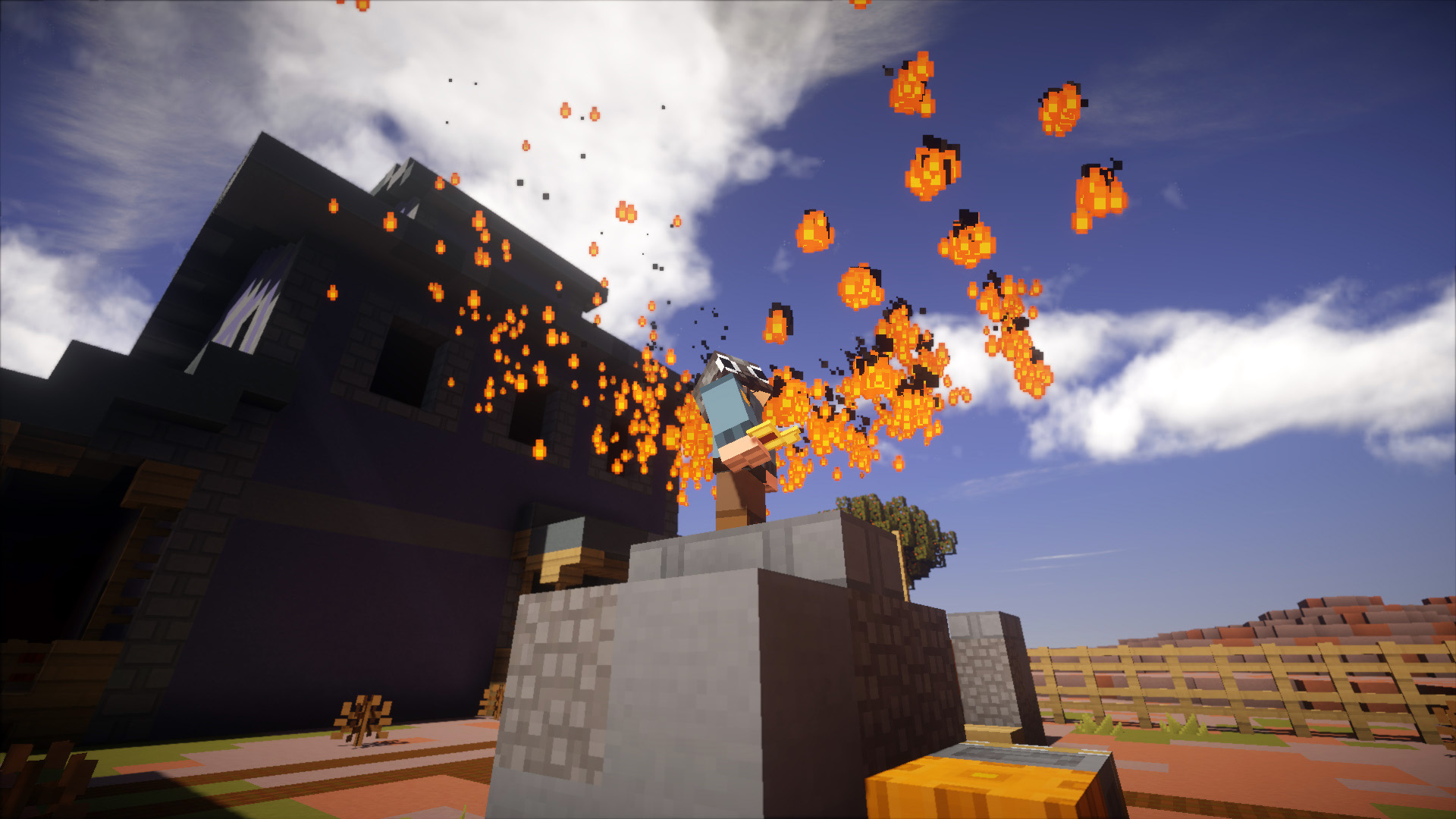
A Pyro performing his fire dance.
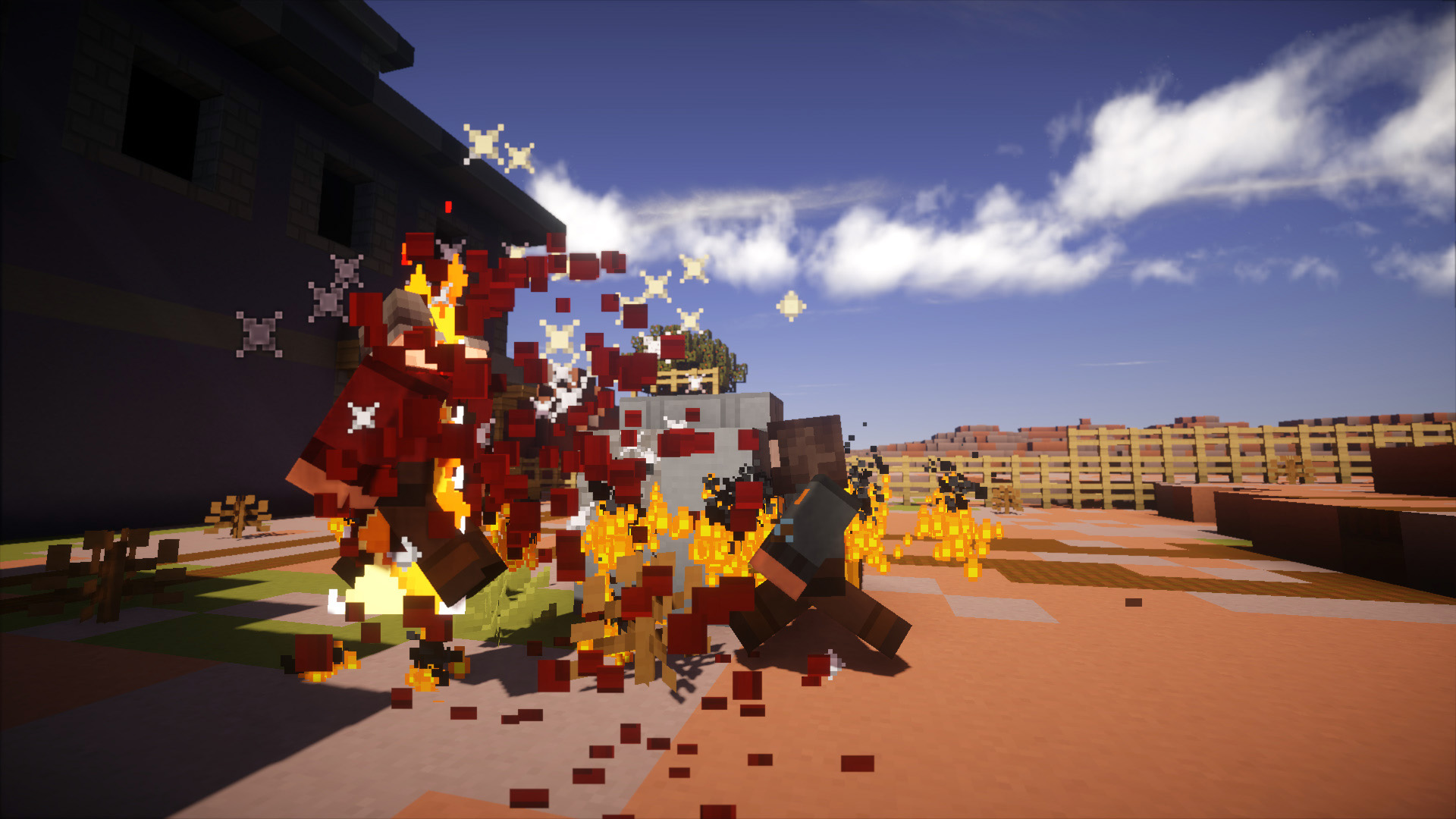
A Pyro killing a Soldier for interrupting the fire dance.
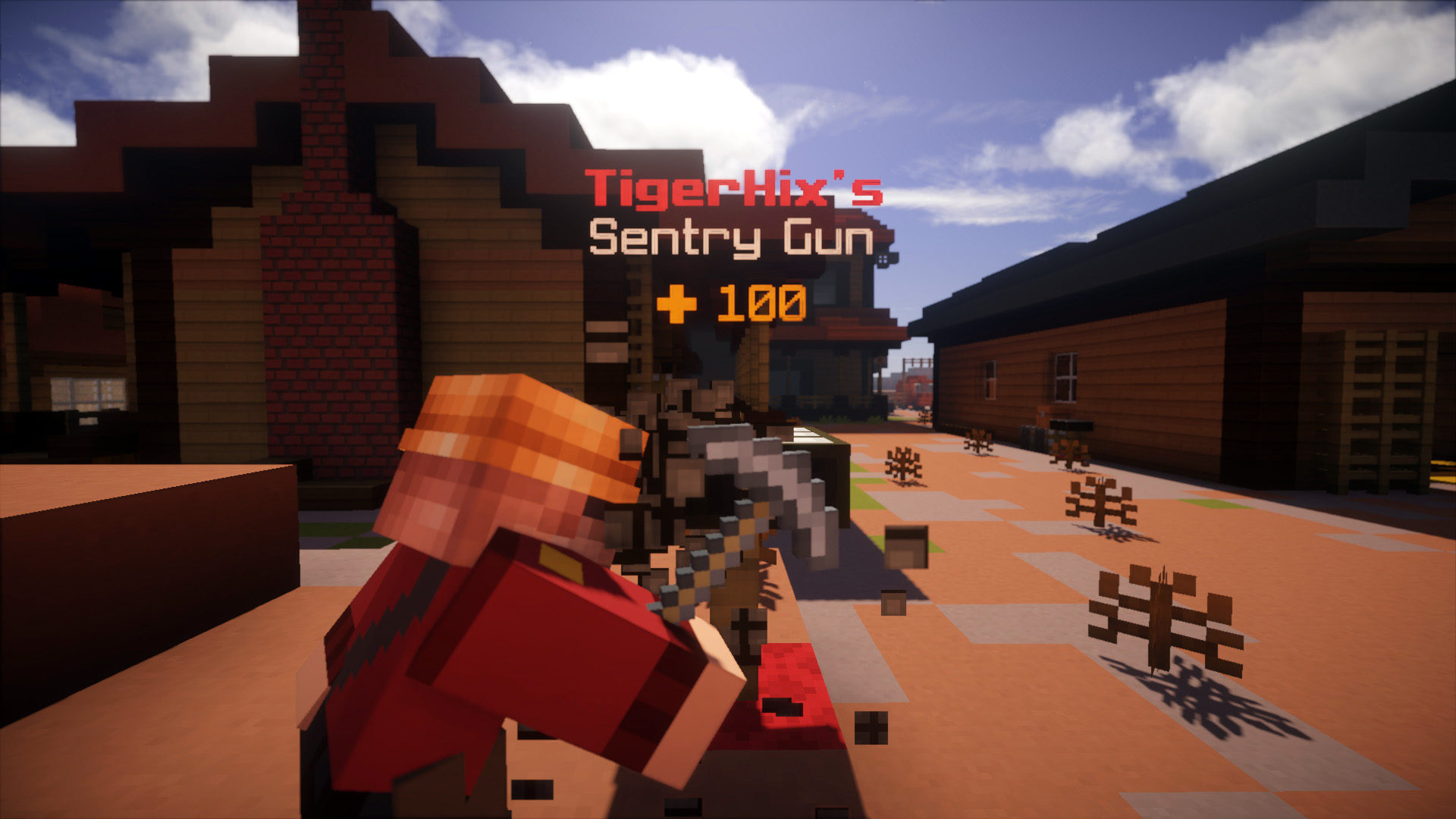
An engineer building a Sentry Gun. Teleporters are implemented, too.
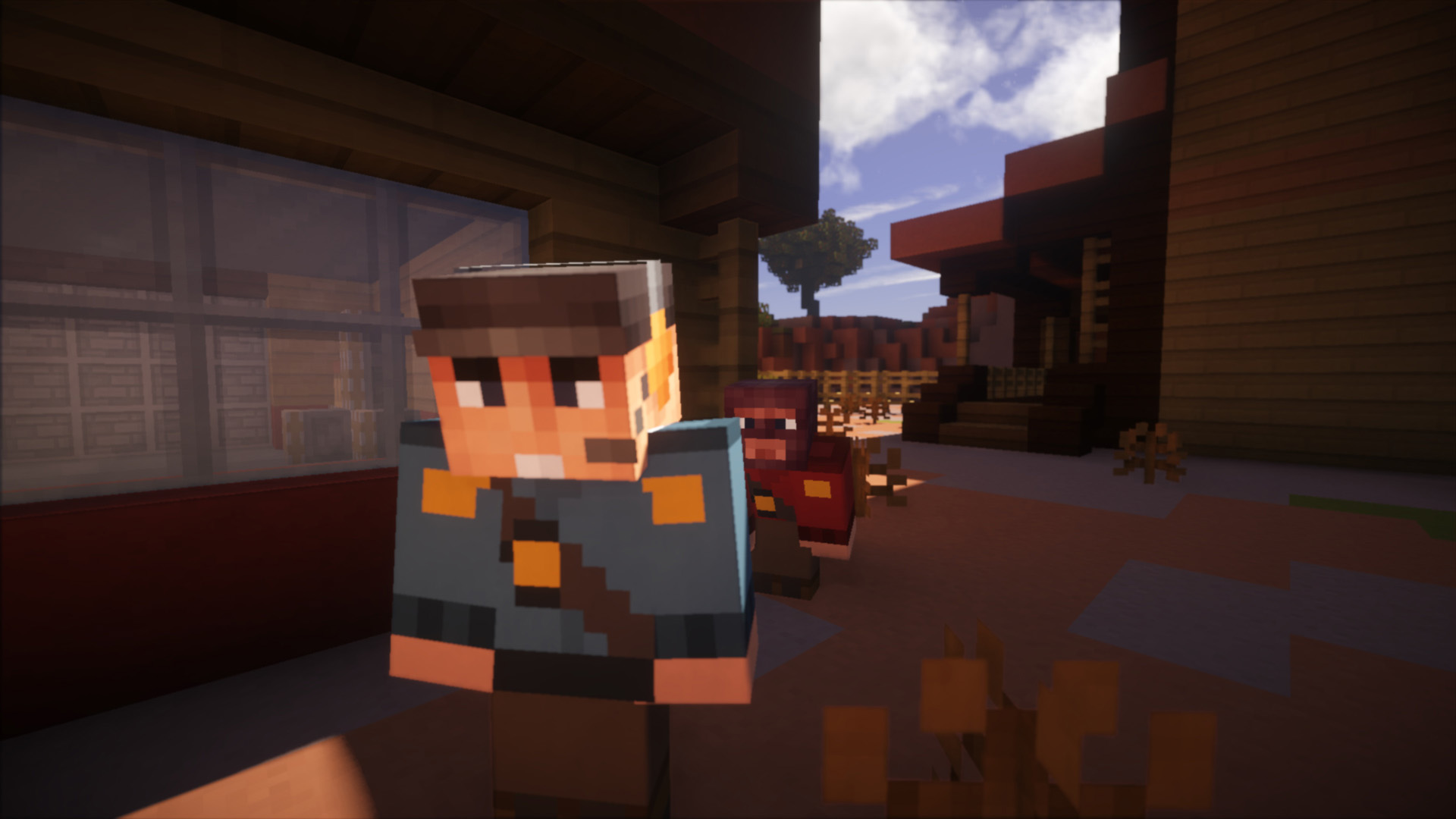
A Spy approaching a Scout. A backstab would insta-kill the poor Scout.
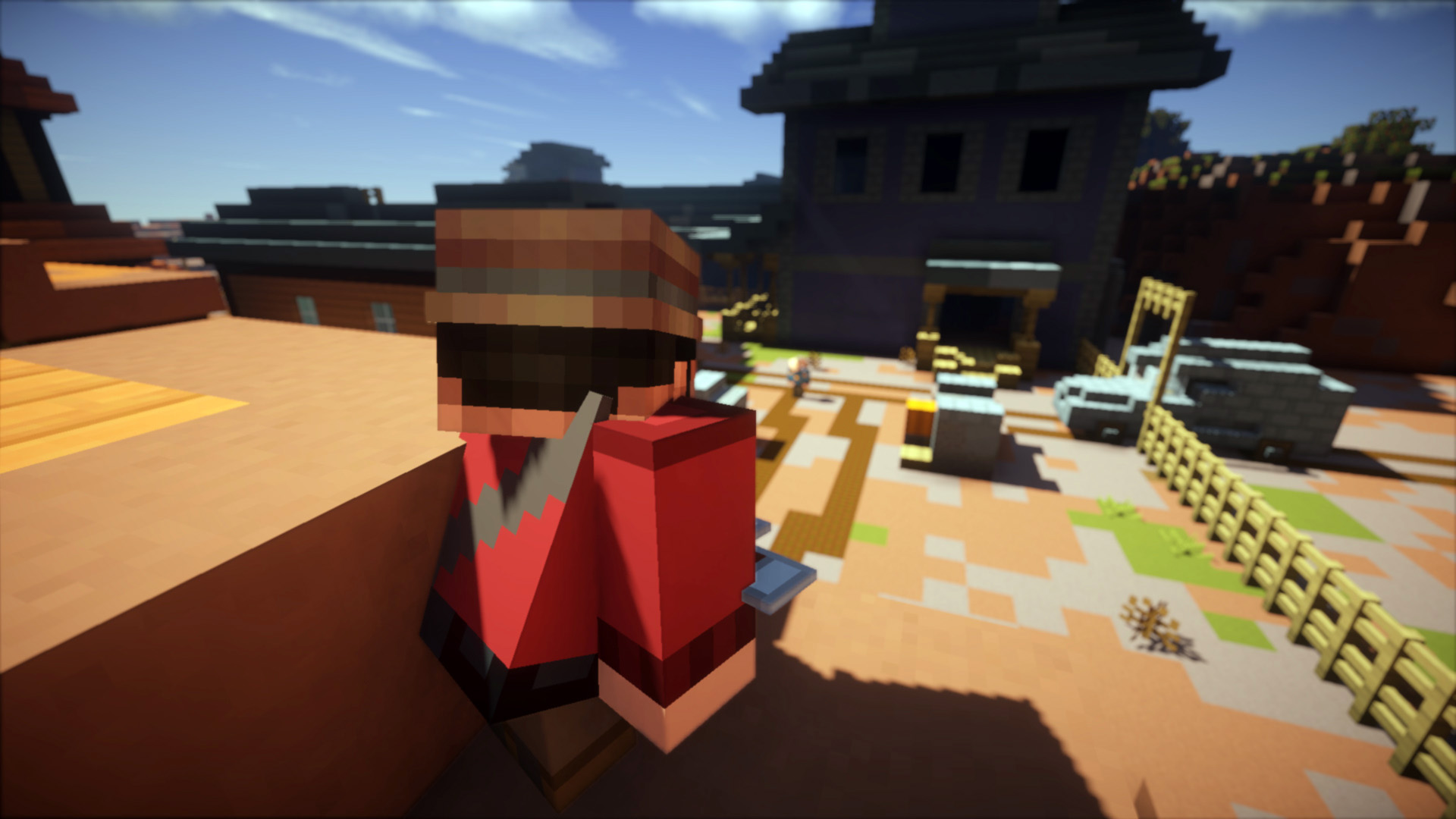
A Sniper aiming at a Heavy. Headshots deal 2x damages.
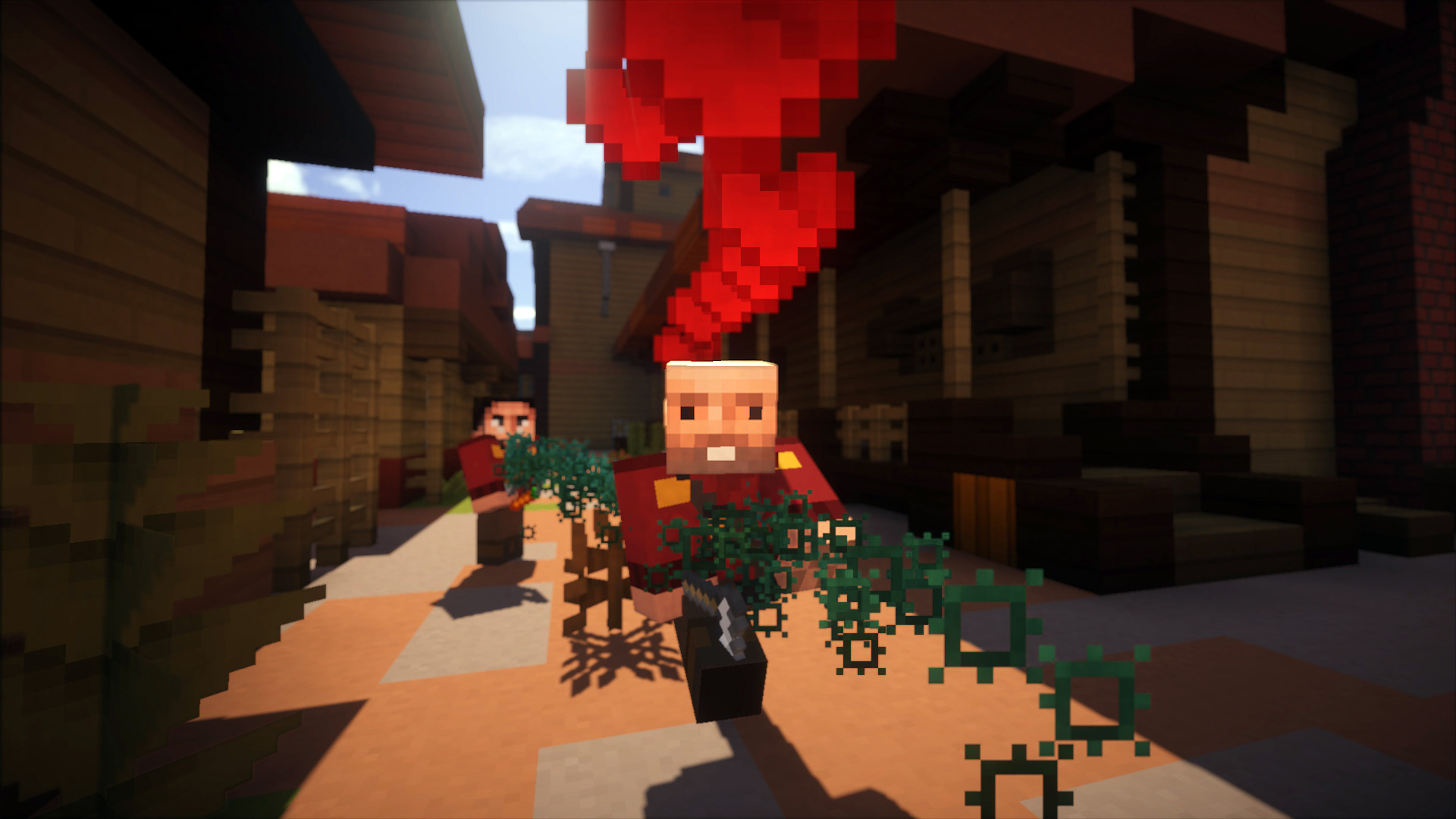
A Medic healing a Heavy. Teamwork is necessary in Mine Fortress.
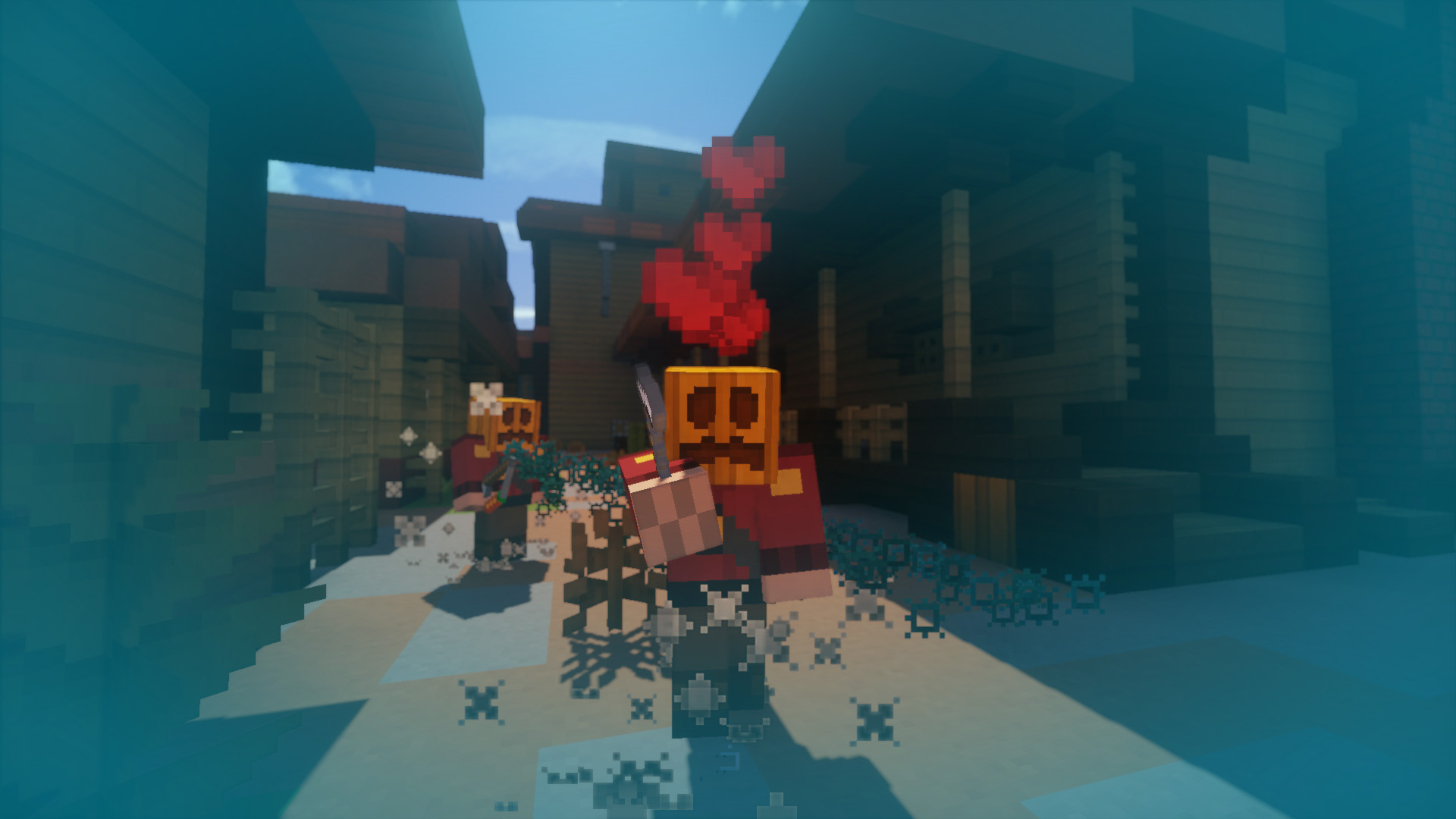
When a Medic heals enough players, he can activate Übercharge to become invincible along with his partner for a temporary period.
Screenshots in first-person
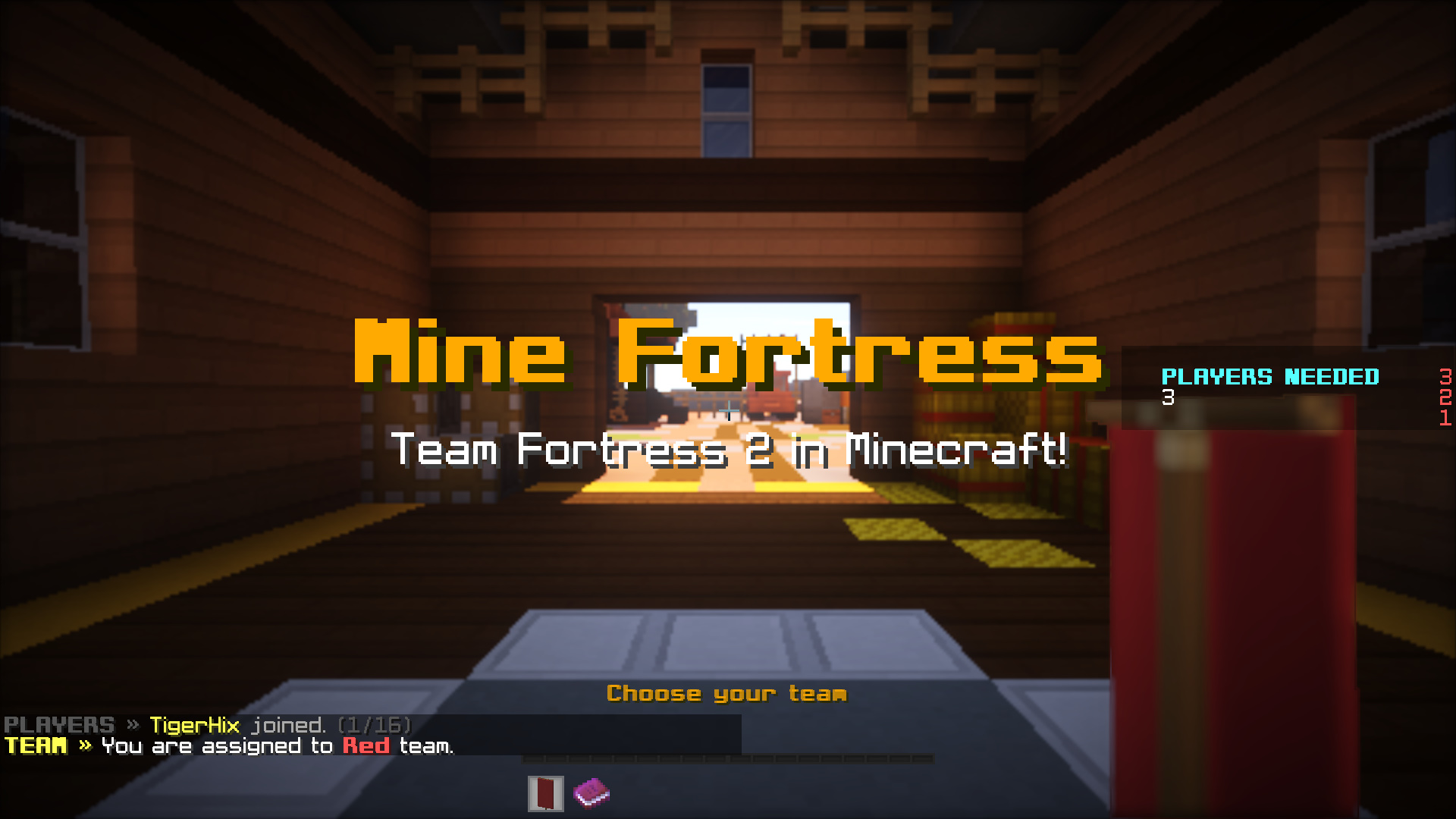
A friendly greeting upon joining the game.
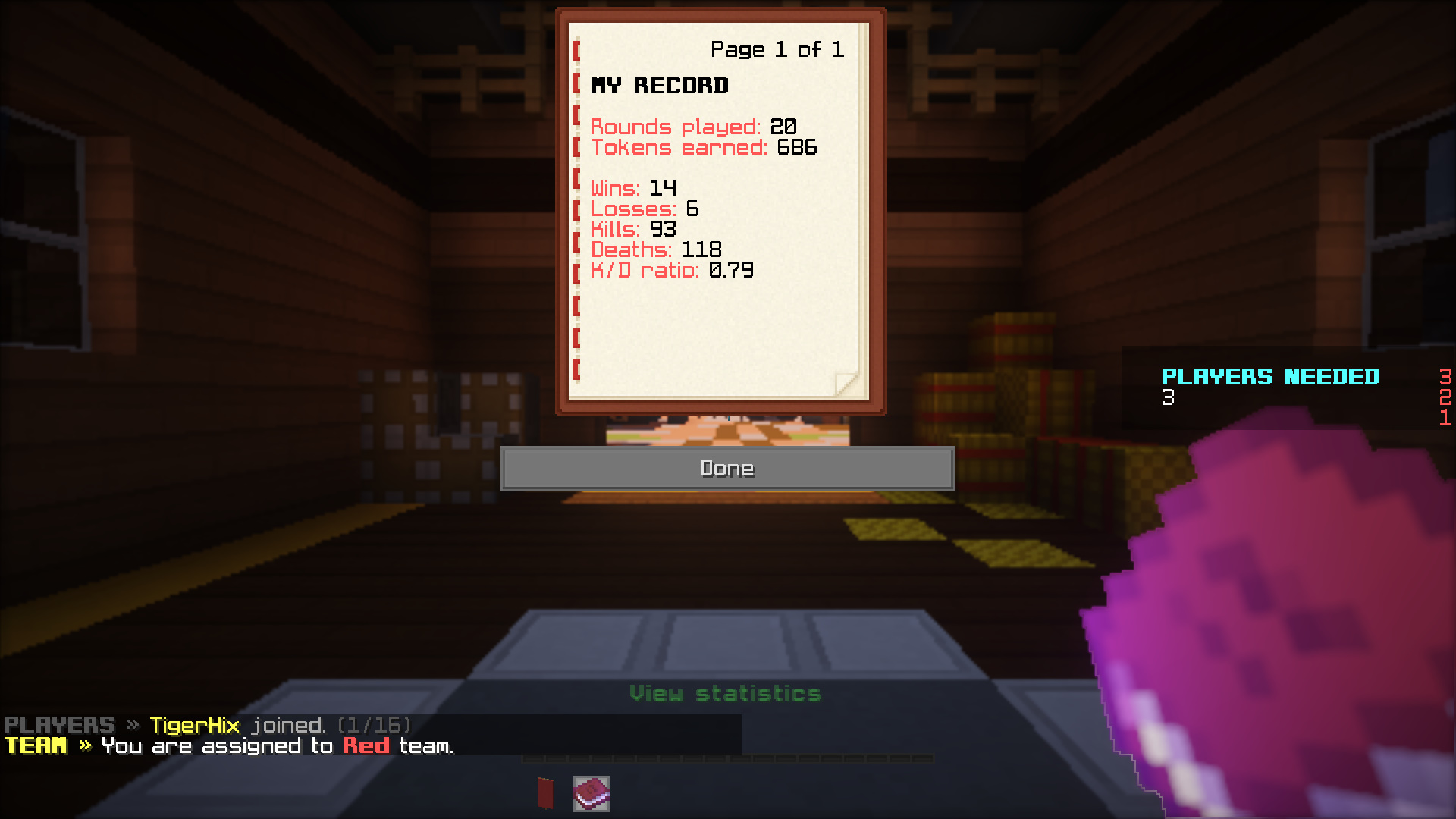
A book of statistics.
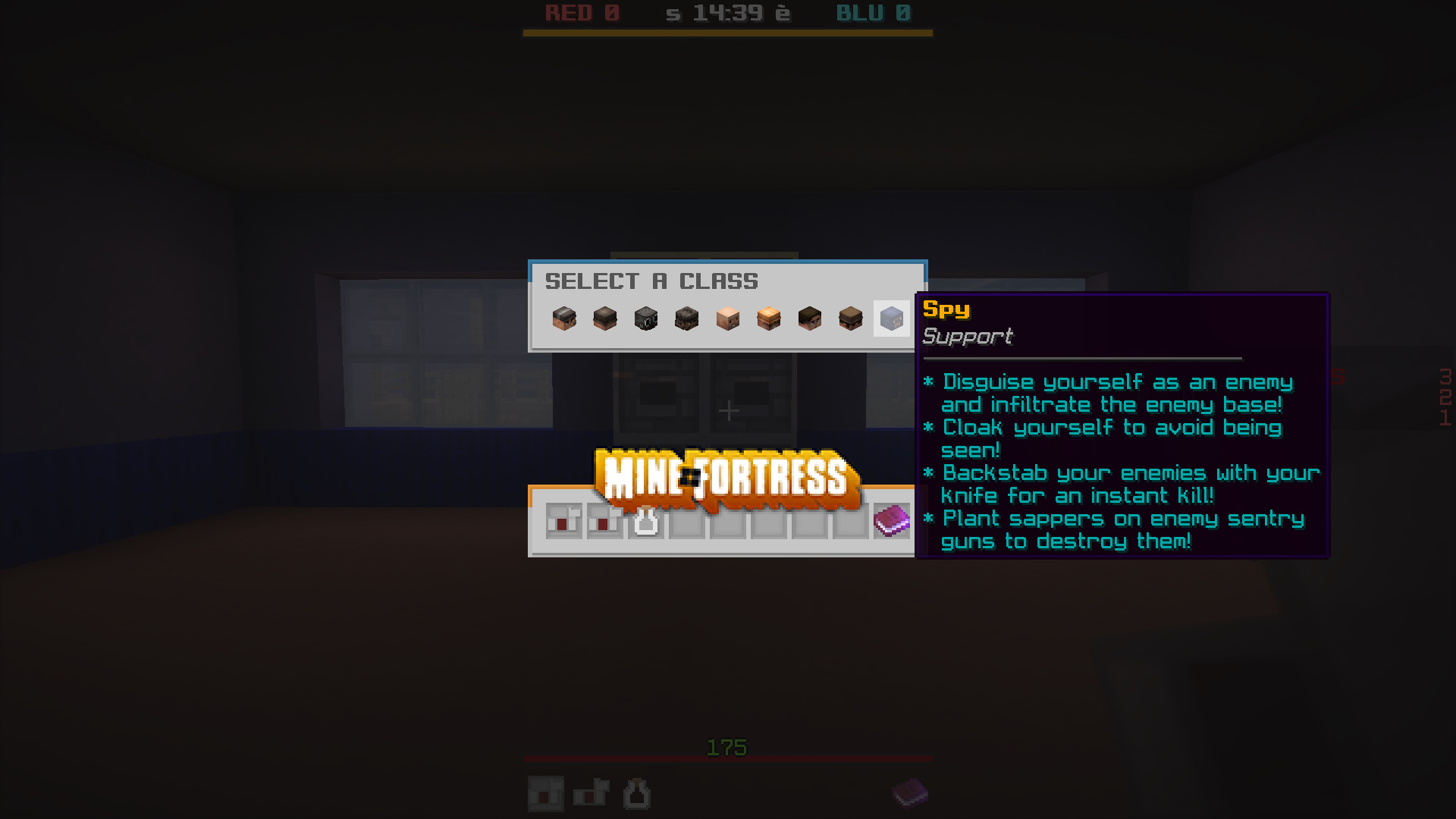
A nice UI for class selection. One can type /class in game to switch their class.
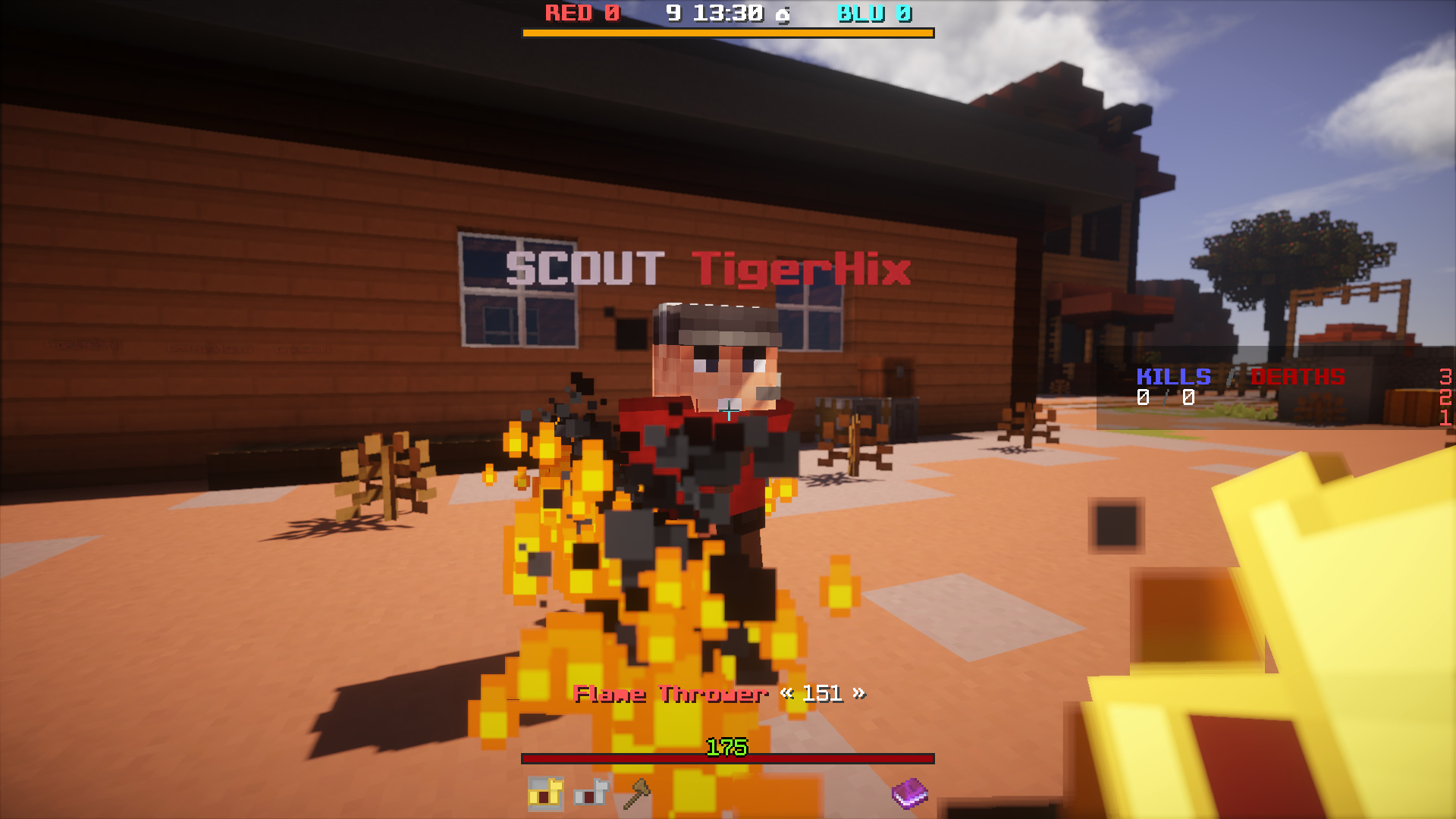
Burning a Scout from a Pyro's perspective.
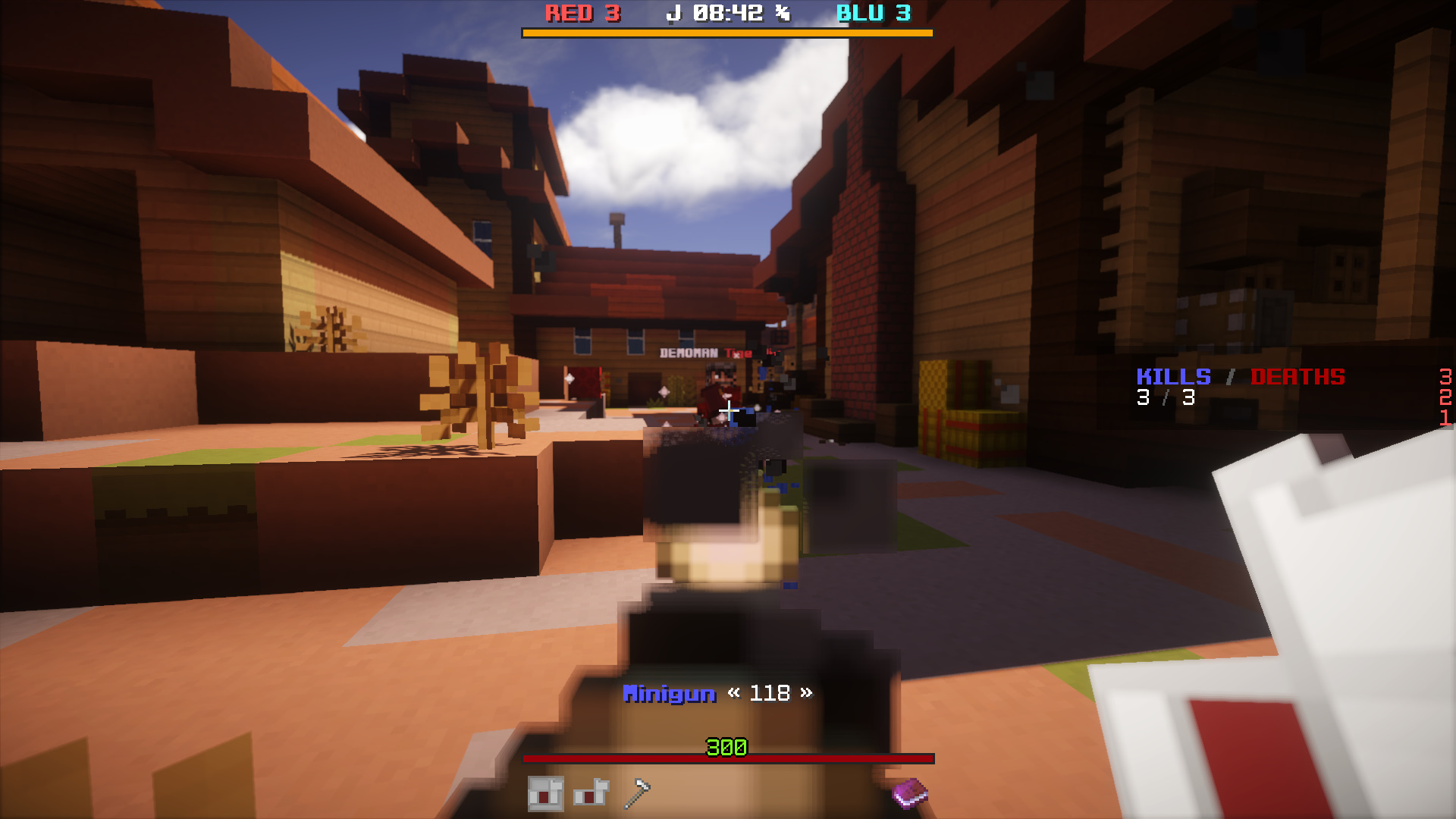
Firing a minigun from a Heavy's perspective.
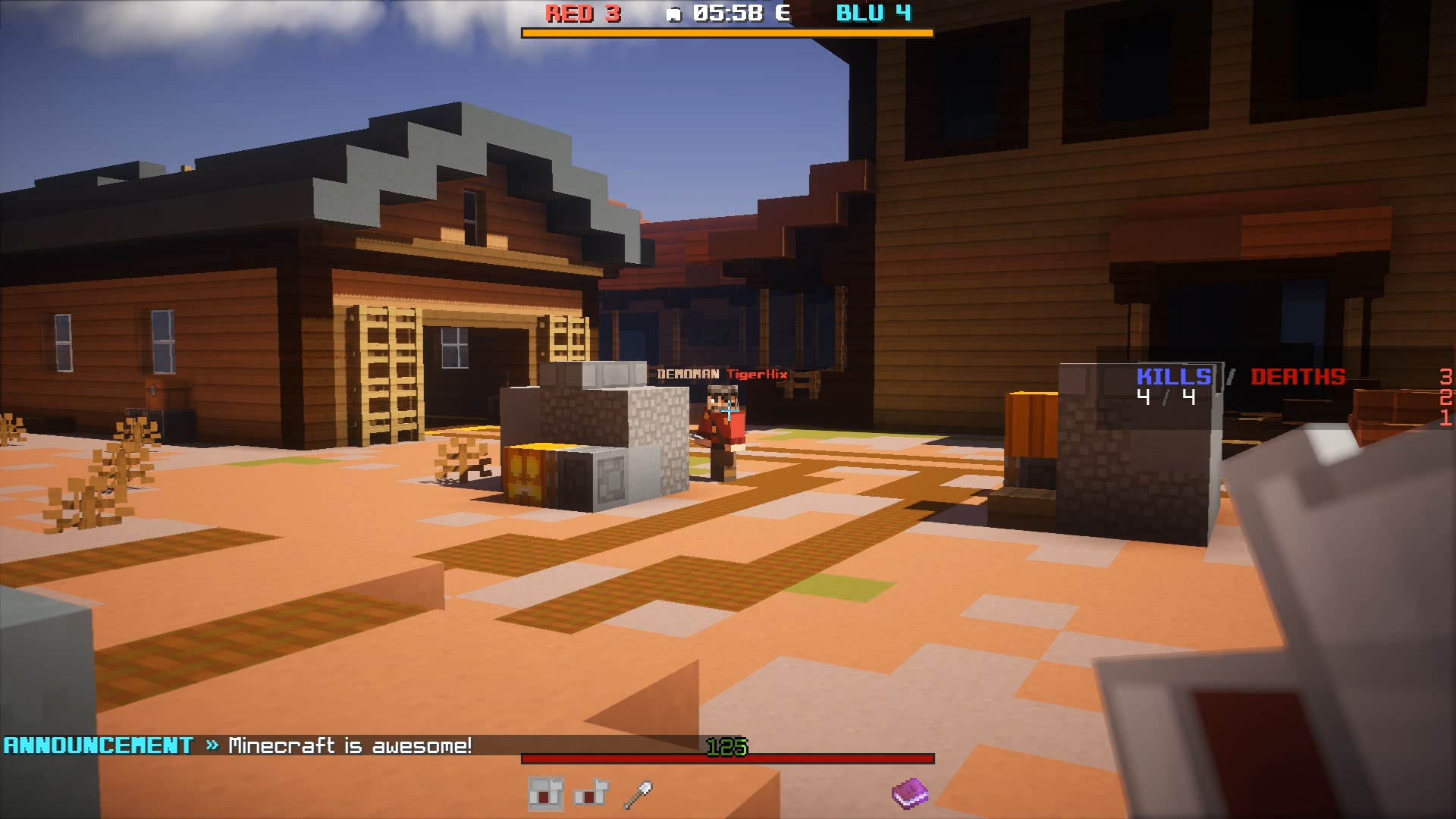
Tracking a Demoman from a Sniper's perspective. (By the way, the "Minecraft is awesome!" text is an announcement. Feel free to set as many as you want in the configuration.)
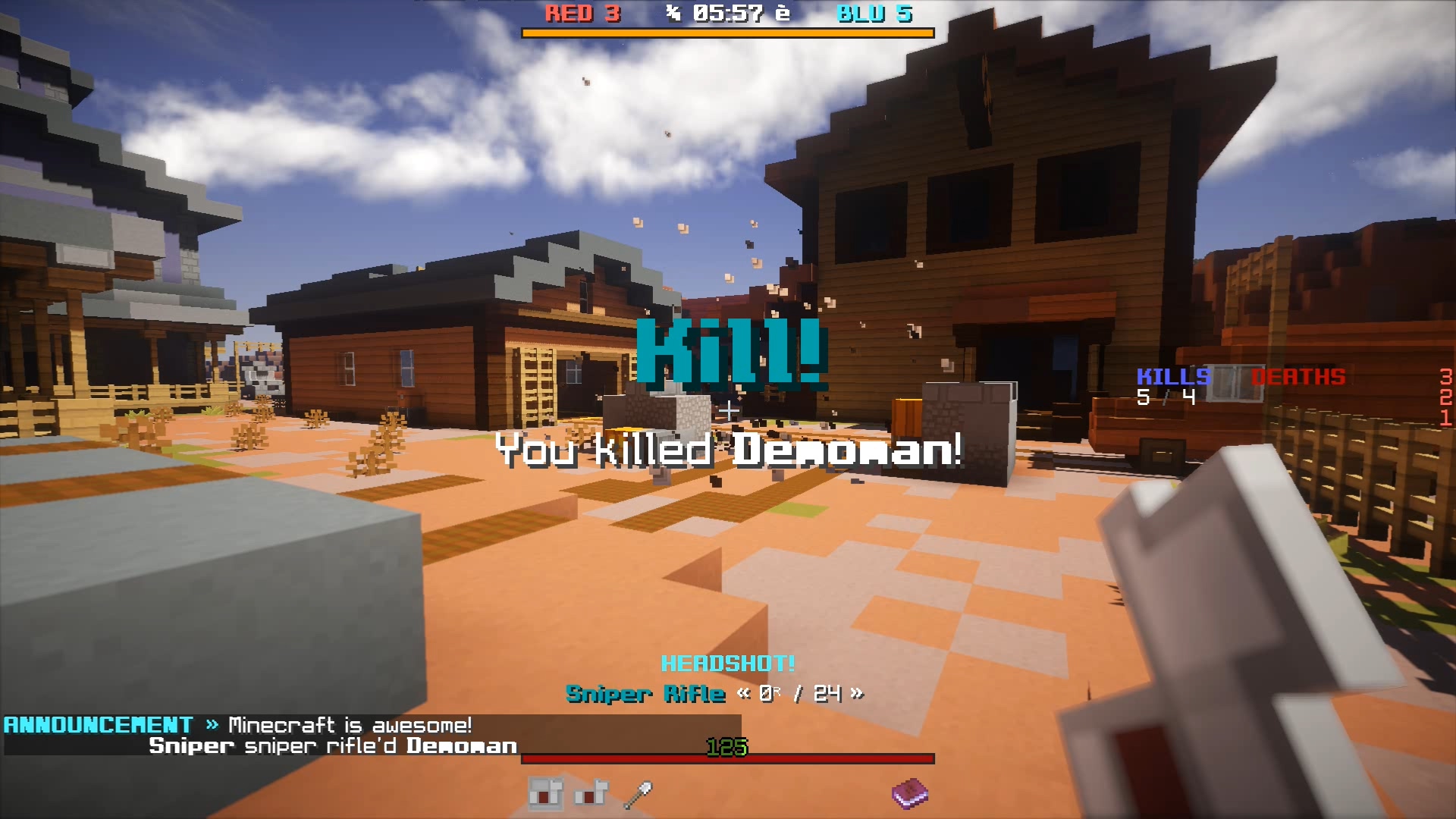
A headshot. Poor guy!
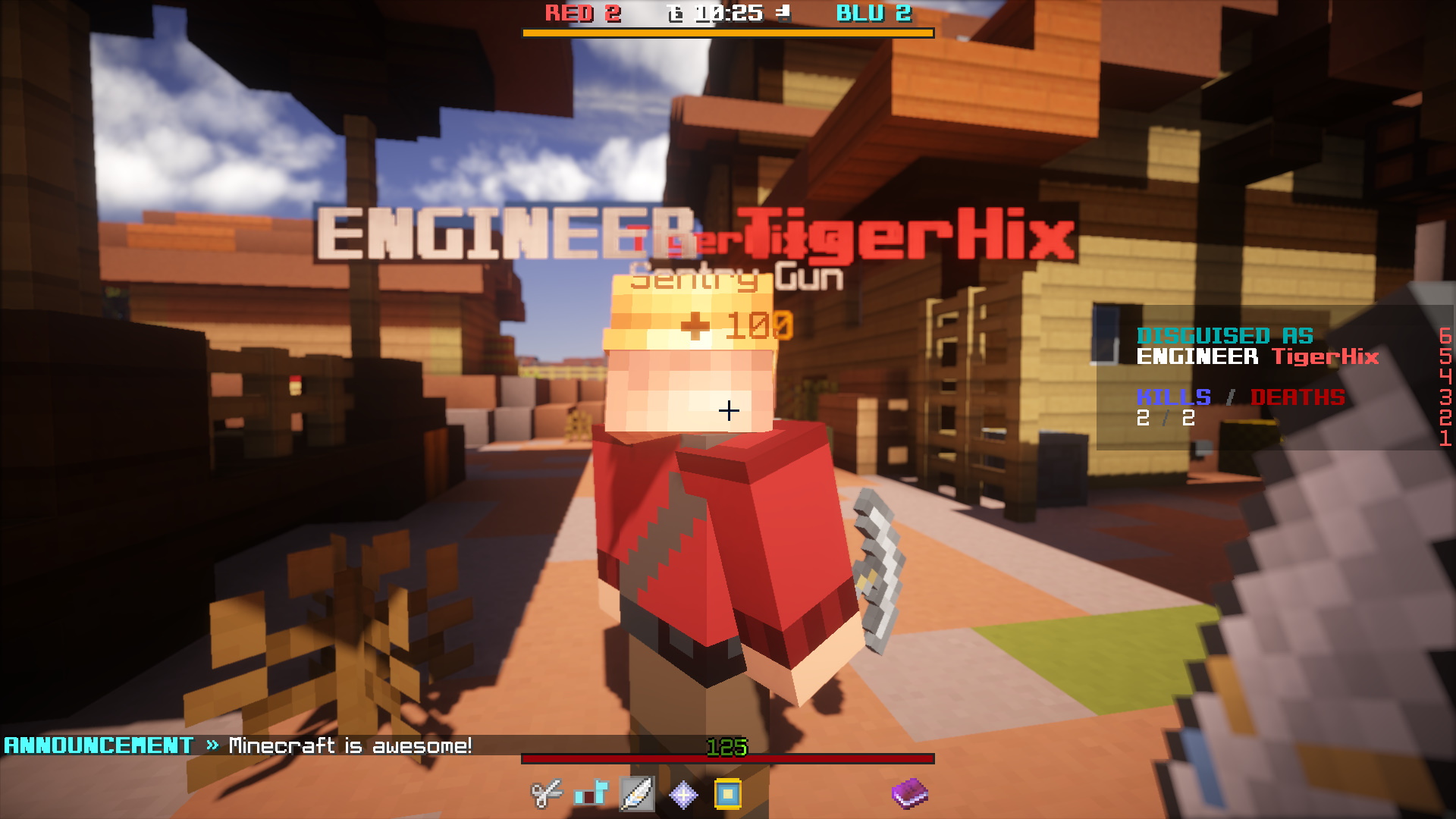
Approaching an Engineer from a Spy's perspective.
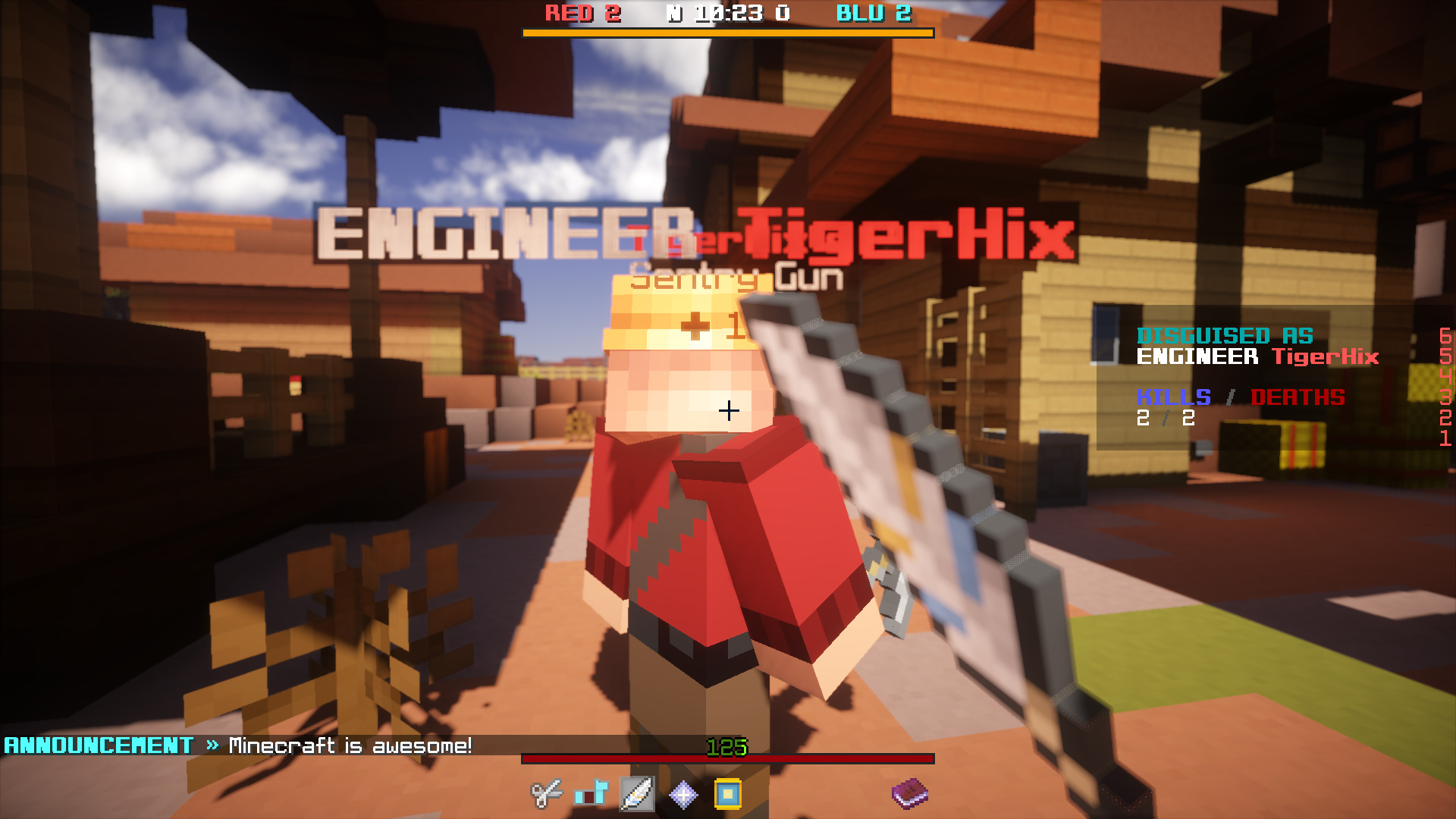
*Slash*
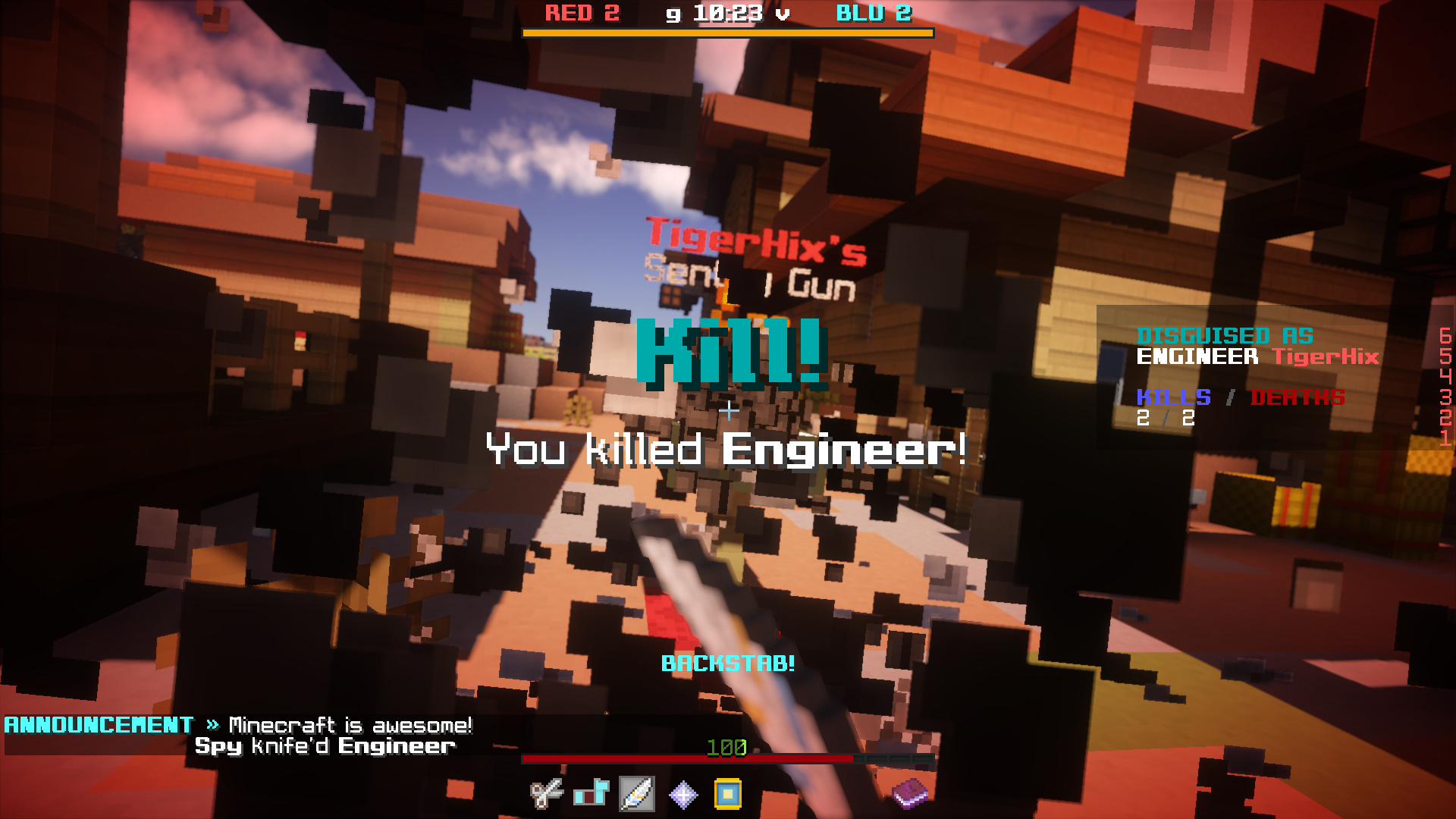
Completing a backstab from a Spy's perspective.
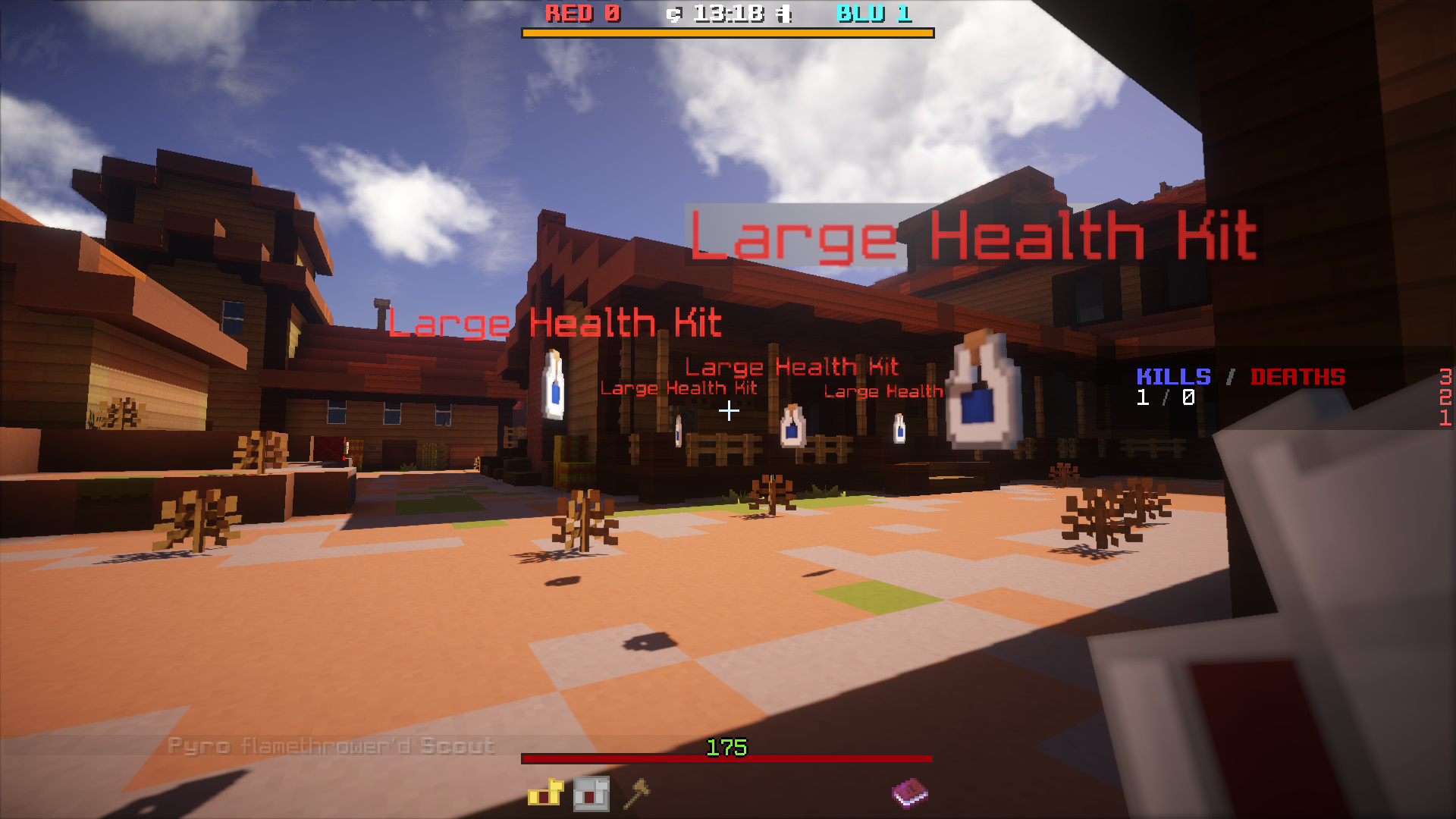
Customizable pickups.
0. Phải có những plugins sau:
2. Open /plugins/MineFortress/config.yml, and ensure "develop-mode" is set to true.

3. Copy the arena world into your server folder. Open server.properties and set "level-name" to the world name.
4. Start the server. You should see the following messages in the console:

5. Enter the server, and type /wizard new to set up your very first map. A video tutorial is available in case you are not sure what are the parameters for:
- EffectLib 4.2+
- HolographicDisplays 2.1.13+
- LibsDisguises latest development snapshot
- ProtocolLib latest development snapshot
- WorldEdit any build for Minecraft 1.9
2. Open /plugins/MineFortress/config.yml, and ensure "develop-mode" is set to true.
3. Copy the arena world into your server folder. Open server.properties and set "level-name" to the world name.
4. Start the server. You should see the following messages in the console:
5. Enter the server, and type /wizard new to set up your very first map. A video tutorial is available in case you are not sure what are the parameters for:
Download: http://www.mediafire.com/?5l1lq0rysrsdyhr


