


- Tham gia
- 09/06/2019
- Bài viết
- 728
Download: Here
Native Minecraft Version:Legacy (< 1.13)Tested Minecraft Versions:
LuckPerms in GUI!
Manage groups and users in GUI
(Original Developer: https://www.spigotmc.org/members/asvaidas.40002/)
Description
I saw that LuckPerms is not an easily understandable plugin. All those commands are hard. Suggestions to make a GUI for LuckPerms were dropped, so I thought, that with LuckPerms API I can make an easy to use GUI to manage groups and users in GUI.
This is not an official addon for LuckPerms!
Do not ask support in LuckPerms discord about this plugin!
If you have issues while changing any information, first try the same thing with LuckPerms commands before contacting me or LuckPerms developers!
Dependencies
NOTICE
If you use LuckPerms 5 please do the following:
Go to your main /LuckPerms/ folder. (this is probably at /plugins/LuckPerms)
Create a folder within this directory called extensions.
Download ci.lucko.me and put it in the extensions folder.
Restart your server.
Then enter the LuckPermsGUI config.yml file, and change UsingLuckPerms5: false to true.
LuckPerms 4 will work without any needed steps.
Wiki (99% of questions can be answered here)
wiki.bghddevelopment.com
Commands
Permissions
Plugin video reviews
Newest Version
Older version (2.6)
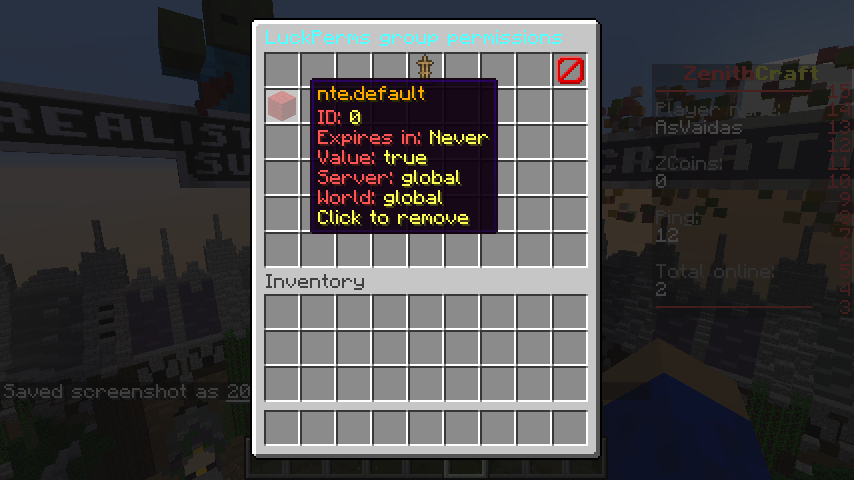
Screenshots
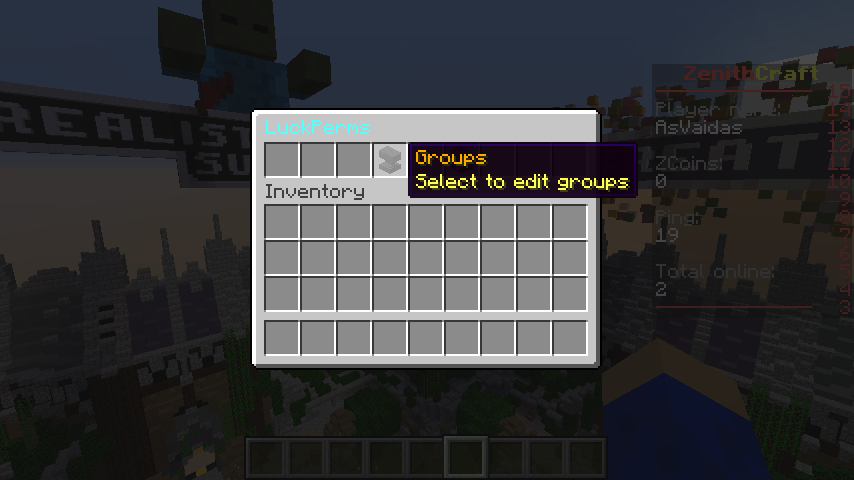
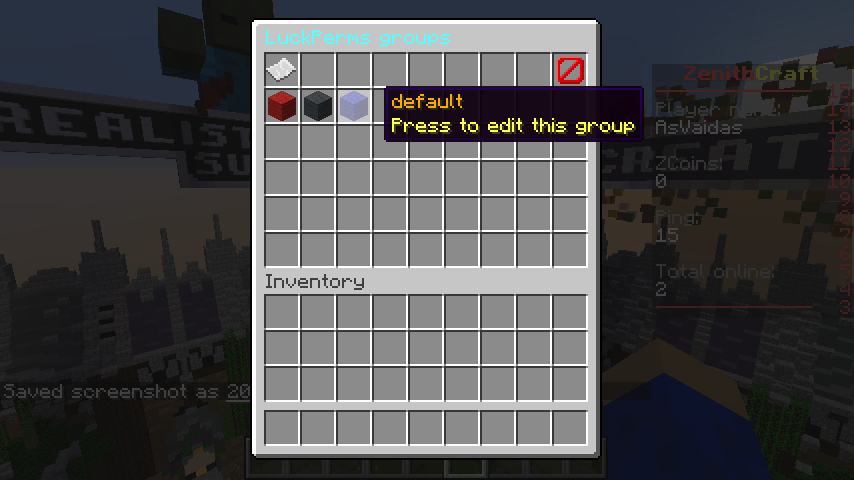
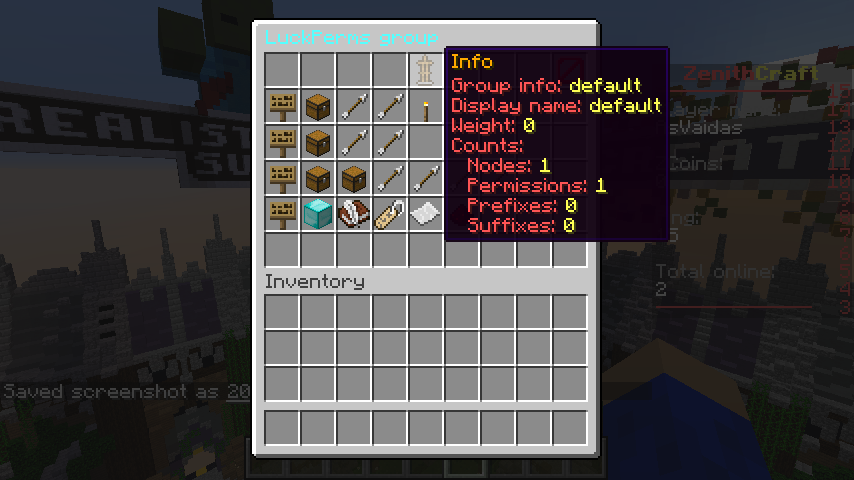
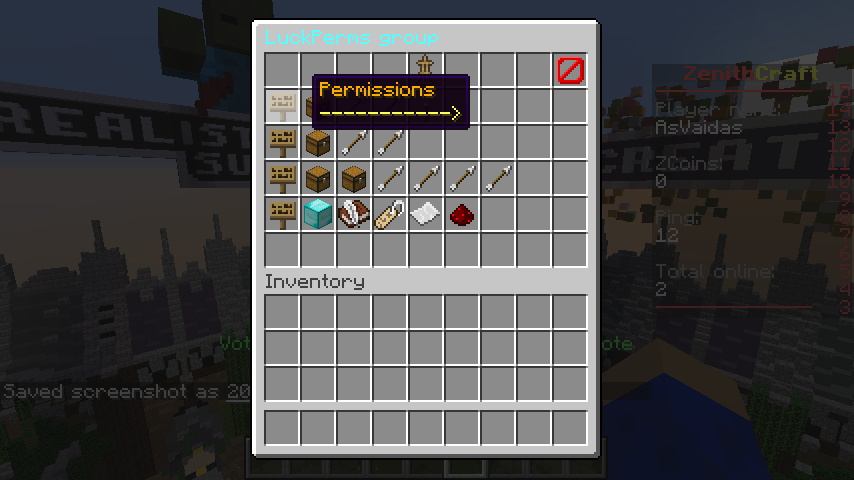
Support:
bghddevelopment.com
Native Minecraft Version:Legacy (< 1.13)Tested Minecraft Versions:
- 1.8
- 1.9
- 1.10
- 1.11
- 1.12
- 1.13
- 1.14
- 1.15
LuckPerms in GUI!
Manage groups and users in GUI
(Original Developer: https://www.spigotmc.org/members/asvaidas.40002/)
Description
I saw that LuckPerms is not an easily understandable plugin. All those commands are hard. Suggestions to make a GUI for LuckPerms were dropped, so I thought, that with LuckPerms API I can make an easy to use GUI to manage groups and users in GUI.
This is not an official addon for LuckPerms!
Do not ask support in LuckPerms discord about this plugin!
If you have issues while changing any information, first try the same thing with LuckPerms commands before contacting me or LuckPerms developers!
Dependencies
- LuckPerms (www.spigotmc.org)
NOTICE
If you use LuckPerms 5 please do the following:
Go to your main /LuckPerms/ folder. (this is probably at /plugins/LuckPerms)
Create a folder within this directory called extensions.
Download ci.lucko.me and put it in the extensions folder.
Restart your server.
Then enter the LuckPermsGUI config.yml file, and change UsingLuckPerms5: false to true.
LuckPerms 4 will work without any needed steps.
Wiki (99% of questions can be answered here)
wiki.bghddevelopment.com
Commands
- /lp gui - Open the GUI
- /lp gui user <user> - Opens an user GUI
- /lp gui group <group> - Opens a group GUI
Permissions
- luckperms.gui - Allows to use GUI
Plugin video reviews
Newest Version
Older version (2.6)
Screenshots
Support:
bghddevelopment.com


