

- Tham gia
- 05/07/2016
- Bài viết
- 4,225


Plugin có giá 3.99 GBP trên Spigot, nếu có điều kiện hãy mua plugin để ủng hộ tác giả
Plugin có chức năng tạo rương quay vật phẩm
Trên diễn đàn đã có người đăng plugin này nhưng là phiên bản cũ, mình sẽ đăng lại với phiên bản mới nhất hiện tại

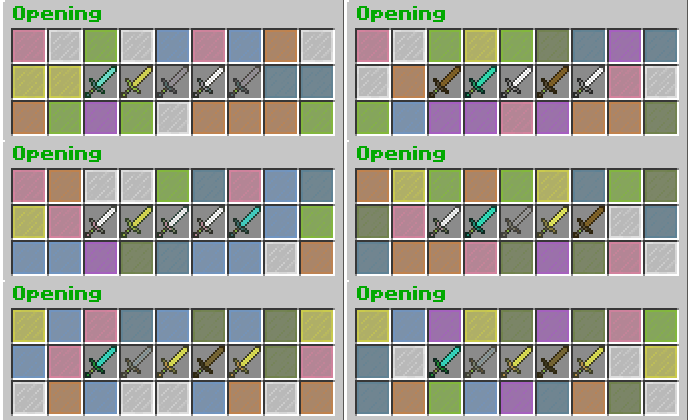
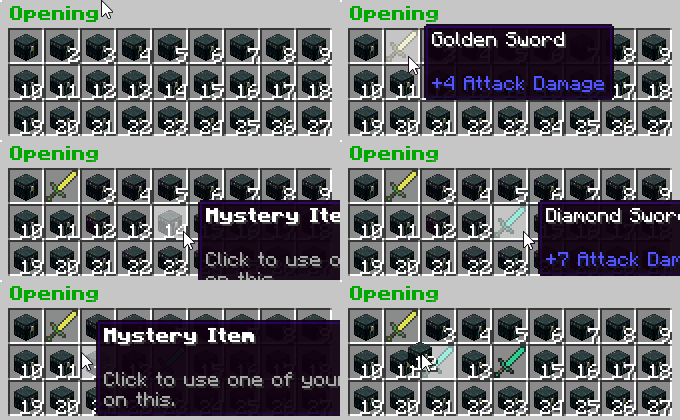
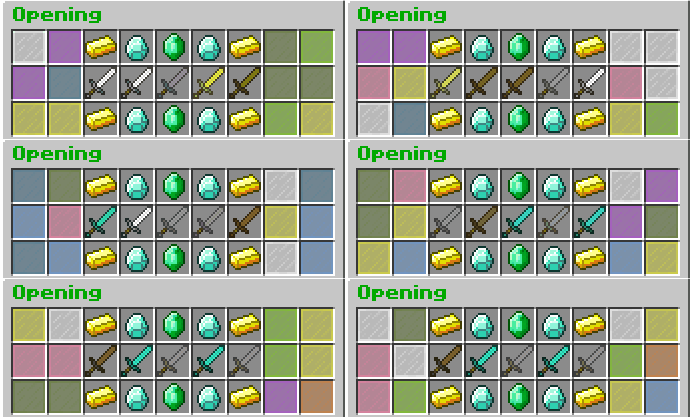
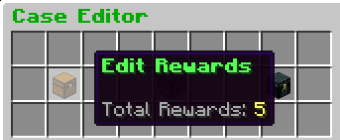
Editing Rewards is the same for every case type, check the counterstrike editing GUI to see how it's done
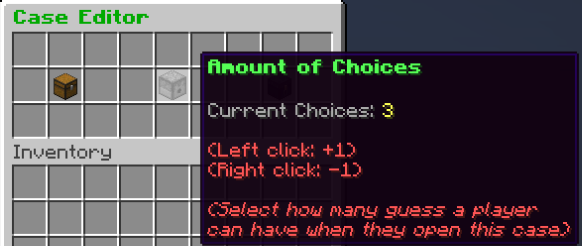
Choose the amount of choices a user gets, by default it's 3
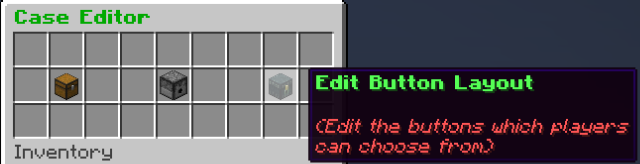
Edit how the opener looks, any item that is chosen will be a 'chooseable' button when the opened, so if you leave a slot as blank it won't be clickable
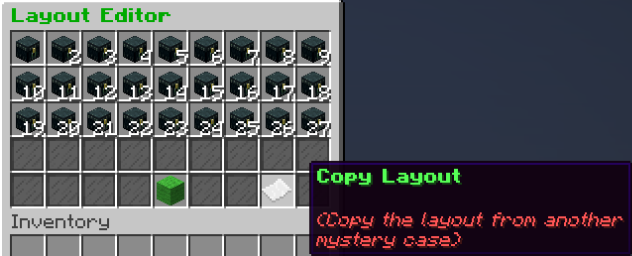
Copy a layout from another mystery case for time-saving reasons
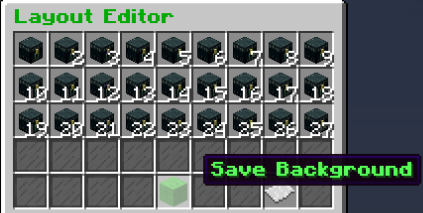
Save the layout
Choose the amount of choices a user gets, by default it's 3
Edit how the opener looks, any item that is chosen will be a 'chooseable' button when the opened, so if you leave a slot as blank it won't be clickable
Copy a layout from another mystery case for time-saving reasons
Save the layout
i.imgur.com
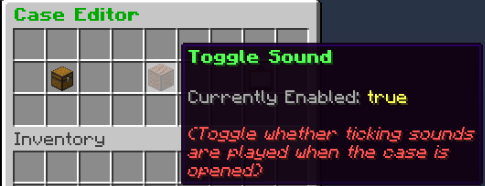
Toggle whether a clicking sound is played when the items scroll past, click to toggle
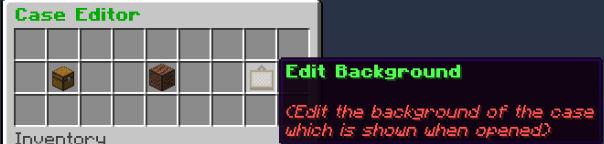
Edit the layout of this counterstrike case, click to go to the Background Editor
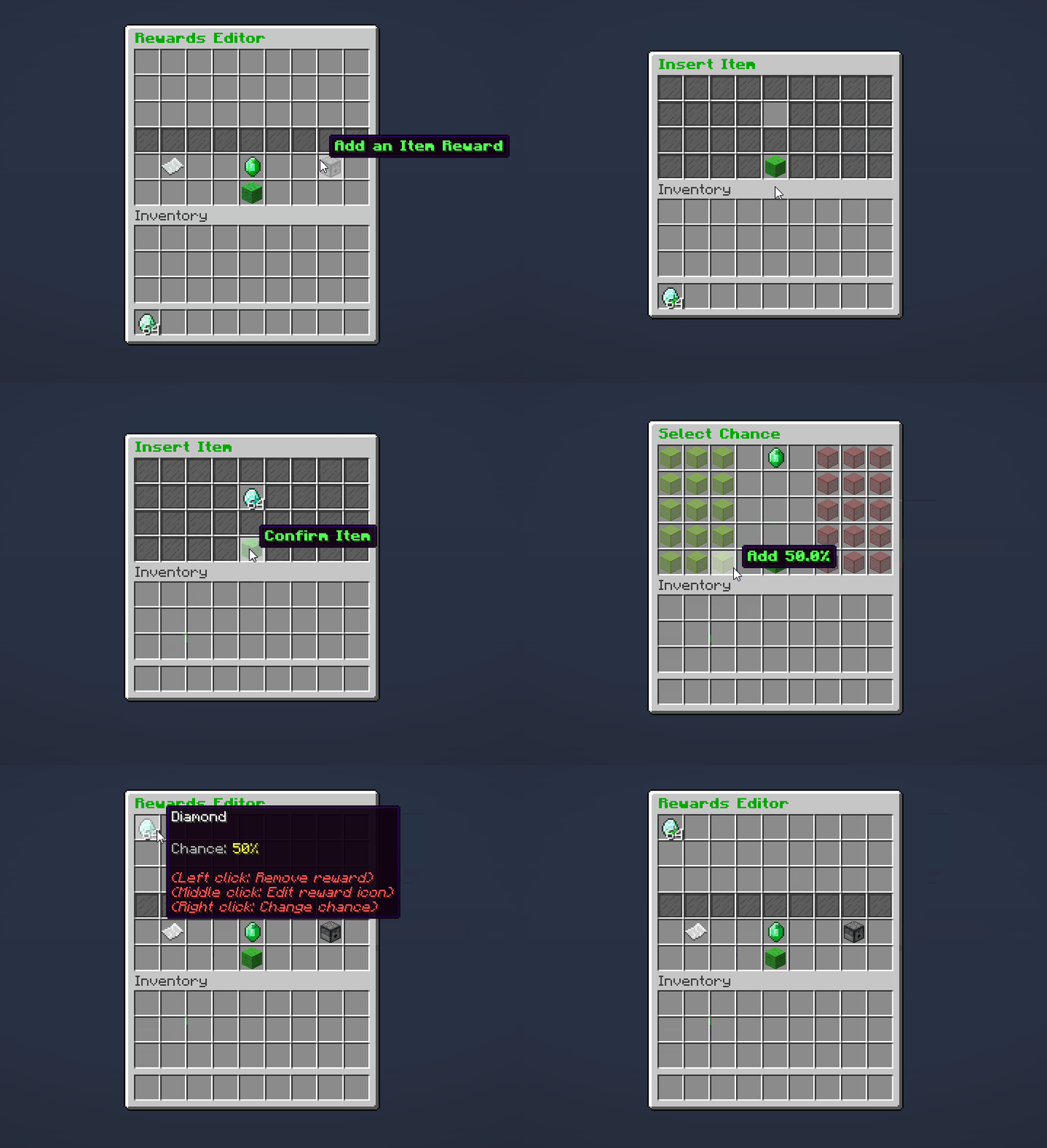
Rewards Editor
Place the item inside and select the chance
Toggle whether a clicking sound is played when the items scroll past, click to toggle
Edit the layout of this counterstrike case, click to go to the Background Editor
Rewards Editor
Place the item inside and select the chance
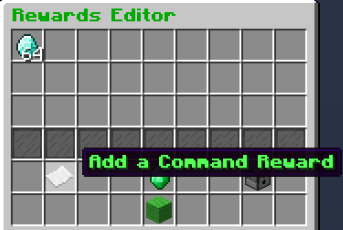
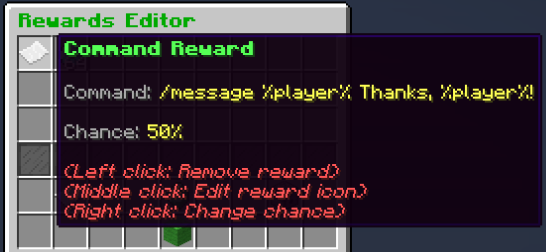
Click there to add a command reward
Viewing a command reward
Editing Reward Icons:
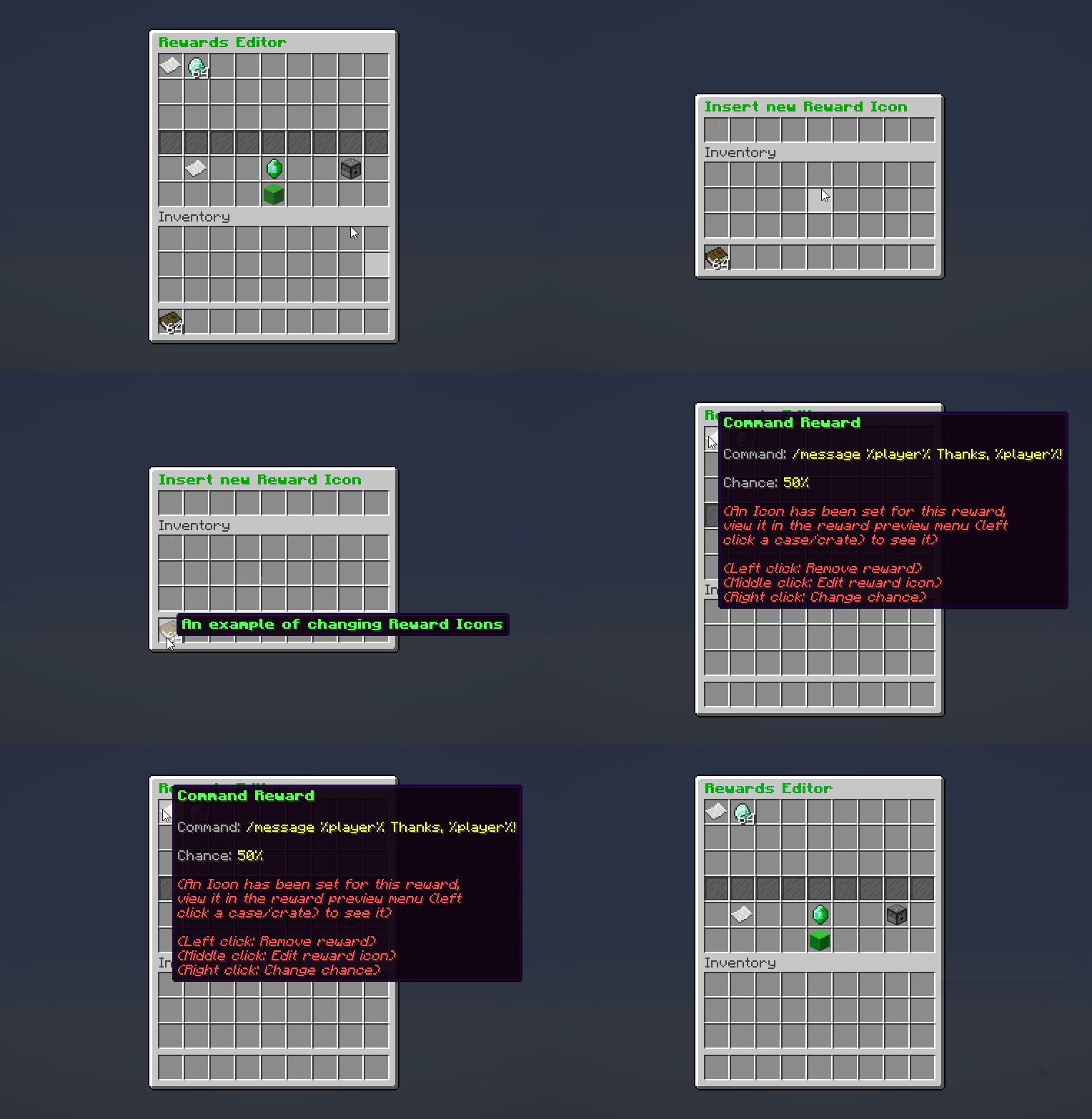
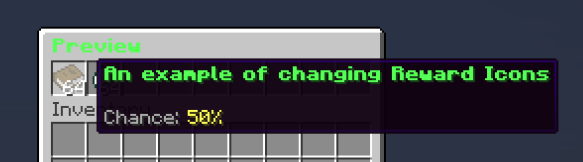
Although it looks the same in the reward editor after, that's so you can tell which command / item reward it was. When you view it in the reward preview / the opener GUIs, it will take the new form, like here:
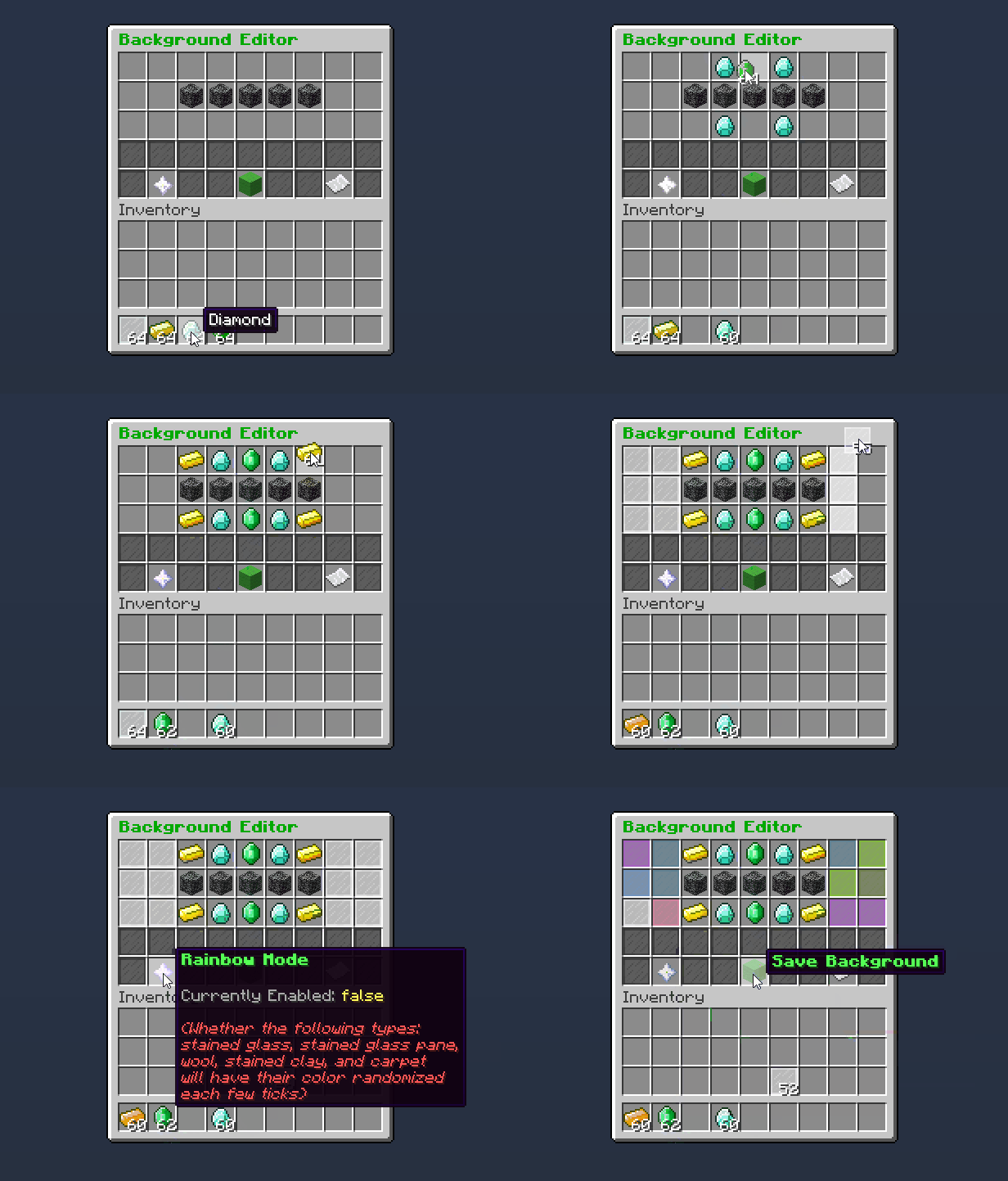
Background Editor (Counterstrike)
Choose the layout of that Counterstrike case (you can toggle rainbow mode) and save
Viewing a command reward
Editing Reward Icons:
Although it looks the same in the reward editor after, that's so you can tell which command / item reward it was. When you view it in the reward preview / the opener GUIs, it will take the new form, like here:
Background Editor (Counterstrike)
Choose the layout of that Counterstrike case (you can toggle rainbow mode) and save

- /Case Create <Type> <Name> - Create a case
- /Case Types - View all case types
- /Case Remove <Name> - Remove a case
- /Case Edit <Name> - Edit a case
- /Case List - View all cases
- /Case Give <Player> <Case> [Amount] - Give a player the case(s) and the corresponding key(s) (* works)
- /Case GiveCase <Player> <Case> [Amount] - Give a player just case(s) (* works)
- /Case GiveKey <Player> <Case> [Amount] - Give a player just key(s) (* works)
- /Case Open <Player> <Case> - Open a case for a player (* works) even if they don't have a key / case
- /Case SetItem <Case> <Key/Case> - Manually set the key/case item of a case to your hand
- /Case Redeem <Case> - Redeem a case (The user must have the permission shown by '/Case Redeemperm <Case>')
- /Case SetRedeemDelay <Case> <Seconds> - Set the amount of seconds that a player must wait before redeeming it again
- /Case Redeemperm <Case> - View the permission required to redeem that case

- case.* - Grant every case permission
- case.command.* - Grant every case command permission
- case.command.create - Grant permission to use /Case Create
- case.command.types - Grant permission to use /Case Types
- case.command.remove - Grant permission to use /Case Remove
- case.command.edit - Grant permission to use /Case Edit
- case.command.give.both - Grant permission to use /Case Give
- case.command.give.key - Grant permission to use /Case GiveKey
- case.command.give.case - Grant permission to use /Case GiveCase
- case.command.list - Grant permission to use /Case List
- case.command.open - Grant permission to use /Case Open
- case.command.setitem - Grant permission to use /Case SetItem
- case.command.redeem.<Name> - Grant permission to use /Case Redeem <Name>
- case.command.setredeemdelay - Grant permission to use /Case SetRedeemDelay
- case.command.redeempermission - Grant permission to use /Case RedeemPerm
- case.crate.place - Grant permission to place a crate
- case.crate.break - Grant permission to remove a crate


www.spigotmc.org


